
Custom WordPress Development Perks 2026
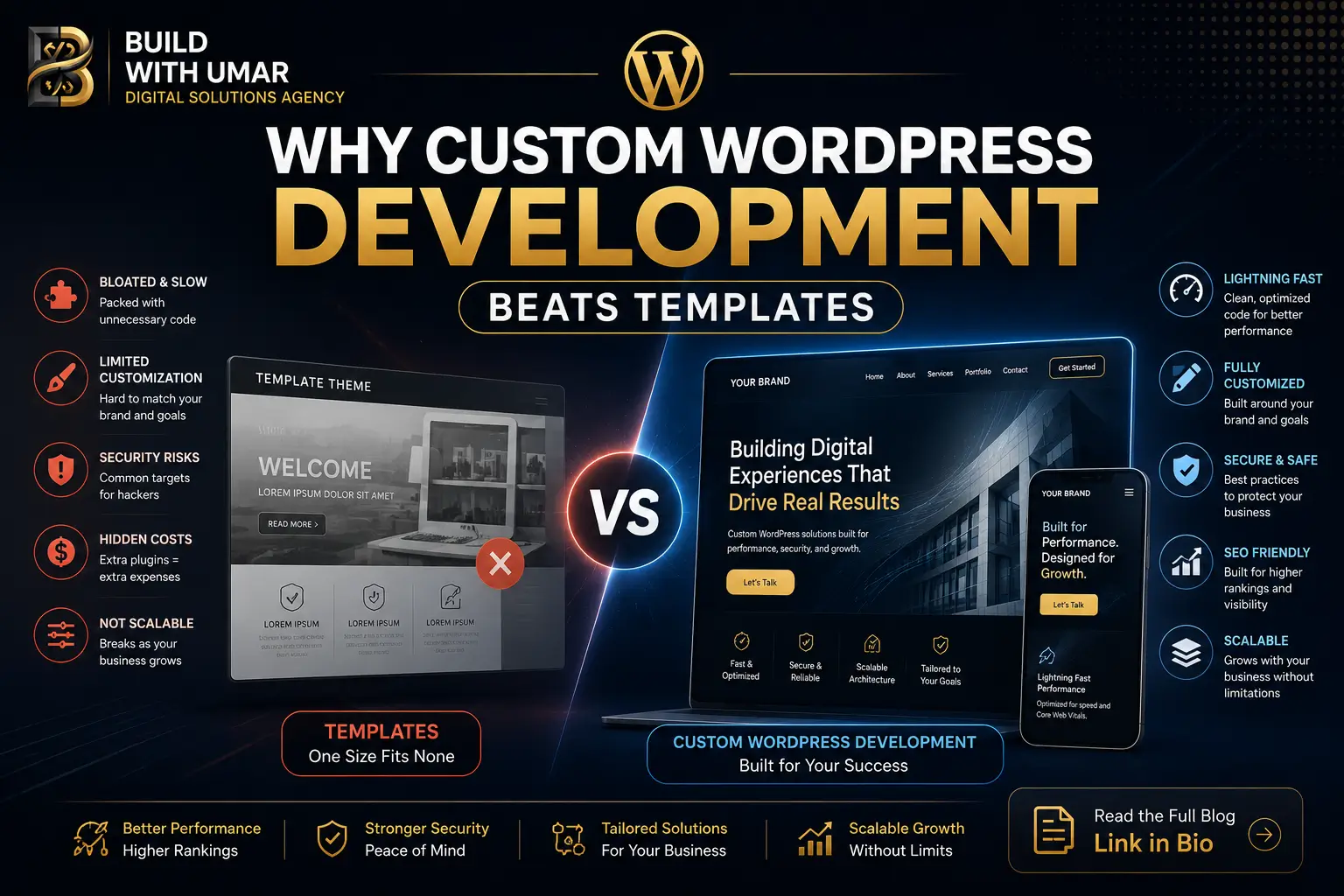
Why Custom WordPress Development Is the Best Long-Term Investment for Your Brand
You made a rational decision. When it was time to launch your corporate website, the economics of a premium WordPress theme or a drag-and-drop page builder looked compelling. Fast deployment. Reasonable cost. Decent visual output. It seemed like the smart move.
Twelve months later, the bill has arrived and it is not a line item on an invoice. It is a slow-loading homepage that Google is quietly deprioritizing. It is a brand that looks indistinguishable from forty competitors using the same Elementor template. It is a development team that spends three hours every update cycle managing plugin conflicts instead of building features that grow your business. It is the conversion rate that your analytics team cannot explain and your marketing budget cannot fix.
This is technical debt and for businesses that built on page builders or premade themes, it is accumulating silently every single day.
Custom WordPress development is not the expensive option. It is the option that eliminates the hidden costs you are already paying.
Section 1: The Page Builder Trap Why You Are Stuck
The Code Bloat Problem
Elementor, Divi, and WPBakery are engineering products built for one purpose: to let anyone build a website without writing code. That goal is admirable. The architectural consequence of achieving it is not.
To render a single styled button on your page, Elementor loads between 300 and 800 lines of CSS and JavaScript that cover every possible button configuration the builder supports whether you use those configurations or not. Multiply that across a full homepage with 20 sections, and your browser is parsing megabytes of code to display content that could have been delivered in kilobytes.
For your business, this translates directly into one metric: Largest Contentful Paint the Google Core Web Vitals signal that measures how quickly your primary content becomes visible. Pages built on visual builders routinely score between 3.5 and 6 seconds on this metric. Google's threshold for a "Good" rating is under 2.5 seconds. Every second above that threshold is an organic search ranking penalty you are paying every time someone searches for what you offer.
This is not a hosting problem. It is not a caching problem. It is an architectural problem that no CDN configuration resolves at the root. The custom web development services that address it do so at the code level not the configuration level.
The Plugin Dependency Spiral
A standard Elementor-based business website requires a minimum of 25 to 45 active plugins to function at its intended specification: security, SEO, performance, forms, sliders, pop-ups, social feeds, backups, caching, and the builder itself. Each plugin is an independent codebase maintained by an independent developer on an independent update schedule.
When WordPress releases a core update which happens several times per year every plugin in that stack must update in coordination. When they do not, the conflicts manifest as broken layouts, white screens, or functionality failures that surface in front of your clients, not in a testing environment.
The average business website running on a template stack spends between 8 and 15 engineering hours per quarter on plugin conflict resolution alone. At any reasonable agency billing rate, that is a recurring cost that a custom build eliminates entirely.
The template appeared cheap at the start. The maintenance contract it created was never on the price sheet.
Section 2: What Handcrafted Custom WordPress Development Means in 2026
Premium custom WordPress development in 2026 is not WordPress with a custom theme layered on top of a page builder. It is WordPress built from a disciplined minimal foundation where every line of code that ships to the browser was written specifically for your site and no other.
The Engineering Foundation
A custom build begins with a stripped boilerplate: no page builder dependency, no theme framework overhead, no pre-loaded asset library. The Block Editor's native API is used to construct custom Gutenberg blocks that match your exact design system blocks that load only the CSS and JavaScript they require, nothing else.
Content architecture is built using Advanced Custom Fields Pro field groups with structured meta schemas not ad-hoc custom field accumulation that becomes unmaintainable. Post types, taxonomies, and relationships are engineered to match your actual content model, not forced into WordPress's generic post/page structure because it was the easiest path.
The output is a site that delivers 90+ Lighthouse performance scores not because caching was configured aggressively, but because the code being delivered to the browser is lean by construction.
The Business Benefits of a Custom WordPress Website Built From the Ground Up
Design without constraints. Your frontend reflects your brand identity at pixel precision not your brand adapted to what a theme's layout system permits. Typography, spacing, animation, and component behavior are all engineered to specification.
Performance as a structural property. A custom WordPress build passes Core Web Vitals thresholds because its asset delivery is architecturally controlled. LCP, CLS, and INP scores are engineering decisions, not post-launch optimization projects. For businesses whose current site is already failing these thresholds, a structured technical SEO audit identifies exactly which architectural decisions are producing the ranking penalties before a rebuild scope is defined.
Zero plugin subscription stack. Custom functionality contact forms, custom queries, filtered archives, membership gates is built directly into the codebase. The recurring monthly cost of 8 to 12 premium plugin subscriptions is eliminated. The breakdown risk those plugins carried is eliminated alongside them.
Content architecture that scales. A custom post type structure with properly engineered meta schemas gives your editorial team a content management experience that matches how your business actually organizes information not a workaround built on page builder rows.
Section 3: Custom vs. Template WordPress The Long-Term ROI Equation
The upfront cost of custom WordPress development is real. So is the compounding cost of not doing it. The honest comparison looks like this:
Custom WordPress Development vs Template/Page Builder
─────────────────────────────────────────────────────────────────────
Dimension              Template / Page Builder    Custom Development
─────────────────────────────────────────────────────────────────────
Initial Build Cost     Low (£500 – £3,000)        Higher (£5,000+)
Year 1 Maintenance     Low                        Minimal
Year 2–3 Maintenance   High (conflicts, rewrites)  Low (stable codebase)
Plugin Subscriptions   £800 – £2,400/year         £0
Core Web Vitals        Routinely failing           Engineered to pass
Google Visibility      Structurally penalized      Structurally competitive
Design Flexibility     Constrained by theme        Total zero restrictions
Security Surface       Large (40+ plugin vectors)  Minimal (controlled stack)
Scalability Ceiling    Low hits wall at scale    None grows with business
Brand Differentiation  Generic shared templates  Unique owned entirely
3-Year Total Cost      Higher than it appeared     Lower than it appeared
─────────────────────────────────────────────────────────────────────
The economic argument for templates assumes that the low upfront cost is the total cost. It is not. The plugin subscription stack, the quarterly maintenance hours, the developer hours spent on conflict resolution, the Google ranking penalties from poor Core Web Vitals performance, and the eventual cost of a rebuild when the template hits its architectural ceiling these are the real costs that the purchase decision never surfaced.
Businesses that commission custom WordPress development at the outset spend more in month one. They spend significantly less in months 6, 12, and 24. And they do not face the conversation, at month 18, about whether a full rebuild makes more sense than continuing to patch an architecture that was not designed for where the business has grown.
The benefits of a custom WordPress website are not primarily aesthetic. They are financial, operational, and competitive. The brand that controls its own codebase controls its own performance ceiling and its own growth trajectory.
Section 4: Building the Bridge to Scalability
There is a scenario that plays out predictably for businesses that commission genuine custom WordPress development: at some point, growth requires more than WordPress's monolithic PHP rendering model can efficiently deliver. The traffic volume increases. The content complexity grows. International markets require edge-delivered performance. Product ambitions require a frontend that a server-rendered PHP layer cannot support.
Businesses that built on page builders and templates face a complete rebuild at this point. The content, the architecture, the structural metadata none of it was engineered for portability. Migration cost is maximized.
Businesses that built on a custom WordPress foundation face a structured upgrade, not a rebuild. Their content model properly typed post types, clean meta schemas, structured relationships is already queryable through WordPress's REST API and WPGraphQL. A headless frontend can be placed in front of it without touching the content architecture. The editorial team continues working in the WordPress admin they already know. The frontend is upgraded to a modern rendering system that delivers sub-200ms page loads from a global CDN edge.
This is the architectural advantage that template users never have access to: a clean content layer that is genuinely portable, because it was engineered with structure rather than assembled with shortcuts.
To understand precisely how this content layer scales into next-generation systems and what that architectural transition looks like in practice for enterprise teams our foundational guide on custom wordpress development maps the complete path from WordPress as a monolithic CMS to WordPress as a structured headless content layer powering a Next.js frontend.
The decision to build correctly now is the decision that makes every future upgrade cheaper.
Section 5: What Google Actually Sees on Your Site Right Now
Most business owners evaluate their website visually. Google does not.
When Googlebot crawls your site, it measures Time to First Byte, evaluates the render-blocking resources in your <head>, assesses the cumulative layout shift produced by late-loading assets, and records the Interaction to Next Paint latency on your primary calls to action. It does this across a sample of real user sessions captured through Chrome's field data collection. The results become your Core Web Vitals field data a ranking input that no amount of keyword optimization overrides.
A standard Elementor site built on a premium theme delivers this to Googlebot:
- 2.8 to 4.6 seconds LCP on mobile
- 0.18 to 0.42 CLS from late-loading builder assets
- 200 to 400ms INP from multiple competing JavaScript initializations
- 60 to 120 render-blocking resources in the document head
A custom WordPress build with an engineered asset pipeline delivers:
- 0.9 to 1.6 seconds LCP on mobile
- Under 0.05 CLS from server-rendered layout with no late asset injection
- Under 100ms INP from minimal, deferred JavaScript
- 4 to 8 render-blocking resources in the document head
These are not marginal differences. They are the difference between a site that Google ranks competitively and one that Google systematically places below competitors who solved this at the architectural level.
Your marketing budget is funding traffic acquisition to a destination that is structurally penalized in organic search. Custom WordPress development corrects that at the source.
Section 6: The Brand Authority Equation
There is a signal that enterprise buyers, procurement teams, and high-value clients read before they read your case studies or your pricing page. It is the signal your website itself transmits in the first three seconds of a visit: whether this organization has invested in its own infrastructure, or whether it has not.
A template site even a well-configured, adequately maintained one transmits a specific signal. The layouts are recognizable. The spacing feels familiar. The interactions are generic. The brand identity is constrained by what the theme permits. For businesses competing at the commodity end of their market, this is acceptable. For businesses competing on brand authority, premium positioning, and trust it is an expensive liability.
Custom WordPress development transmits the opposite signal: an organization that controls its own digital environment, whose brand identity is expressed without compromise, and whose website performs at a level that communicates engineering investment rather than template selection.
At the enterprise level, the website is not a brochure. It is an infrastructure asset. It either supports the commercial case your sales team is making, or it undermines it.
The Market Has Moved
The businesses that will command premium pricing and enterprise trust over the next five years are not the ones with the most features on their websites. They are the ones whose digital infrastructure operates at a standard that communicates organizational seriousness.
Template-based sites served a purpose. That purpose was speed to market at minimum cost, for businesses whose digital presence was secondary to their core operation. For businesses where the website is a primary sales and brand asset where it generates leads, qualifies prospects, and sets the expectation for every commercial conversation that follows the template era is not cost-effective. It is the most expensive infrastructure choice available, because it is one that has to be replaced.
The decision to commission genuine custom WordPress development is the decision to stop paying the hidden costs of architectural compromise and to build a digital asset that performs, ranks, and converts at the level your business actually operates.
Bring your current site URL and your growth objectives. We will audit your existing infrastructure, identify the specific performance and conversion gaps it is producing, and design a high-performance solution not a template pitch.
Continue Reading
Custom WordPress Development: When to Stay or Scale to Headless Next.js
The companion technical guide to this article. Covers exactly when custom WordPress development remains the right architectural choice and when the business has grown to a point where a headless Next.js frontend becomes the higher-ROI decision.
Migrating from React to Next.js App Router
For teams whose WordPress site has a React-based frontend layer, or who are evaluating a full migration to Next.js, this guide covers the complete technical migration path from legacy stack to modern rendering architecture.
React vs Next.js in 2026: The Architectural Case
Understanding the structural difference between a React SPA and a full-stack Next.js framework is the prerequisite for evaluating what your headless WordPress frontend should be built on and why the rendering model choice has direct SEO and conversion consequences.