
Custom WordPress Development Guide in 2026
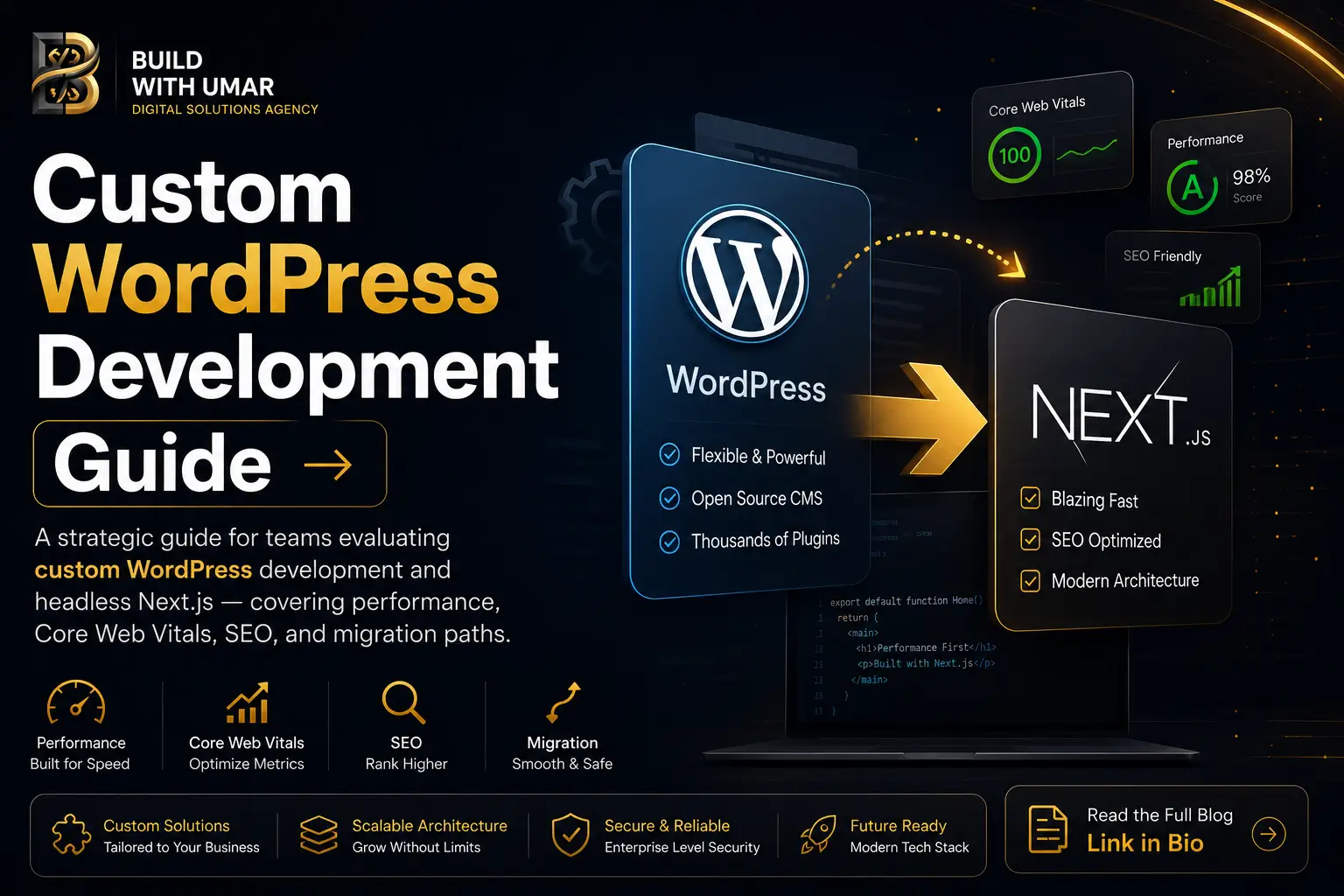
Custom WordPress Development in 2026: When to Stay, When to Scale
WordPress powers 43% of the web. That statistic is simultaneously its greatest endorsement and the most important caveat any technical decision-maker should hold when evaluating it for a new or scaling project.
For most of that 43%, WordPress works. Content teams can publish without engineering involvement. Plugins cover 80% of common feature requirements. Hosting is commoditized and inexpensive. For small-to-medium content sites, regional businesses, and marketing teams with limited technical headcount, custom WordPress development remains a legitimate and defensible engineering choice in 2026.
The problem is not WordPress. The problem is the moment an organization's requirements outgrow what WordPress was architecturally designed to deliver and teams continue building on it because migrating feels expensive, when the reality is that not migrating is more expensive, measured in performance debt, SEO penalties, and engineering hours spent fighting the platform.
This article is a precise guide for that decision: when custom WordPress development is the right answer, when it is not, and what the architectural path forward looks like when it stops being sufficient.
What Custom WordPress Development Actually Means
There is a meaningful distinction between a WordPress site built on a purchased theme with plugin configurations and genuine custom WordPress development. The latter involves engineered solutions that the platform's out-of-the-box tooling does not provide.
At the custom development tier, this means:
- Custom block development using the Block Editor API and
@wordpress/scriptstoolchain building bespoke Gutenberg blocks instead of relying on page builder abstractions like Elementor or WPBakery that introduce significant frontend performance overhead. - Custom REST API endpoints and WP Query modifications for headless or semi-headless implementations where WordPress serves as the content layer and a separate frontend consumes the API.
- Custom post types and taxonomies with structured meta field schemas using ACF Pro or Carbon Fields, enabling structured content models that content teams can manage without developer intervention.
- Authentication and capability engineering for membership sites, gated content portals, and multi-role editorial workflows beyond WordPress's default user role model.
- Custom theme development from a minimal boilerplate no starter templates, no page builders with a handcrafted asset pipeline (Vite or webpack) and component architecture that produces clean, auditable frontend output.
This is the tier of WordPress work that produces defensible results. Below it is configuration, not development. Above it is where the architectural limits of WordPress as a monolithic CMS begin to create friction that custom code cannot resolve.
Where Custom WordPress Development Reaches Its Ceiling
The limits of custom WordPress development are not plugin-related. They are architectural. Specifically, they are consequences of WordPress's monolithic rendering model PHP generates complete HTML on the server for every request, served through a single-process execution environment that was not designed for the traffic patterns, rendering strategies, or performance budgets that modern digital products require.
WordPress Monolithic Rendering Model
──────────────────────────────────────────────────────────────
Browser Request
  → WordPress PHP Process
    → Database Query (posts, meta, options, terms)
    → Template Resolution (theme hierarchy)
    → Plugin Hook Execution (wp_head, wp_footer, etc.)
    → Full HTML Generation
  → Server Response (complete page, every request)
──────────────────────────────────────────────────────────────
No partial rendering. No route-level caching strategy.
No streaming. No React Server Components.
──────────────────────────────────────────────────────────────
The consequences of this model manifest across three dimensions that matter commercially:
Performance. WordPress's Time to First Byte is controlled by PHP execution time, database query count, and plugin hook overhead all of which scale upward with site complexity. A custom WordPress development project that starts with a 280ms TTFB at launch frequently reaches 800ms to 1.2 seconds within two years as content volume grows and plugins accumulate. Aggressive caching with WP Rocket or W3 Total Cache can suppress this for static pages, but authenticated users, dynamic content, and WooCommerce environments bypass most caching entirely.
Core Web Vitals. Plugin-generated CSS and JavaScript even on custom WordPress development projects using ACF and custom blocks routinely contributes render-blocking resources that damage First Contentful Paint and Largest Contentful Paint scores. The WordPress wp_head() hook is an open invitation for plugins to enqueue assets without constraint. Managing this at scale requires continuous engineering intervention rather than a one-time optimization.
Scalability Architecture. WordPress's options table is a known performance bottleneck at scale. A single wp_options table carries site configuration, plugin settings, transient cache entries, and autoloaded data that is fetched on every page load regardless of whether it is needed. Enterprise sites with hundreds of active plugins can accumulate autoloaded data exceeding 2MB a database I/O cost paid on every uncached request.
These are not problems with custom WordPress development as a practice. They are properties of the platform that custom code cannot fundamentally alter.
The Performance Benchmarks: WordPress vs Headless Next.js
When organizations migrate from custom WordPress development to a headless architecture with Next.js handling the frontend, the performance delta is consistent and measurable.
Performance Comparison: Custom WordPress vs Headless Next.js
──────────────────────────────────────────────────────────────
Metric              WordPress (Optimized)   Next.js Headless
──────────────────────────────────────────────────────────────
TTFB                200ms – 900ms           40ms – 180ms
LCP                 2.8s – 5.2s             0.8s – 1.6s
FCP                 1.9s – 3.8s             0.5s – 1.2s
CLS                 0.12 – 0.38             0.01 – 0.06
JS Bundle (initial) 280kb – 900kb+          60kb – 180kb
Lighthouse Score    45 – 72                 88 – 98
──────────────────────────────────────────────────────────────
Values reflect real-world field data, not synthetic benchmarks.
Optimized WordPress assumes WP Rocket + CDN + image optimization.
──────────────────────────────────────────────────────────────
The TTFB improvement alone has direct SEO consequences. Google's Core Web Vitals assessment uses field data real user measurements aggregated via Chrome User Experience Report as ranking inputs. A site serving pages in under 200 milliseconds accumulates better field LCP scores than one serving the same content in 900 milliseconds, regardless of how identical their content quality is.
For teams managing their site's search visibility alongside its technical infrastructure, a structured technical SEO audit will surface exactly where WordPress's rendering model is creating measurable ranking disadvantages and what the realistic recovery trajectory looks like after a migration.
Custom WordPress Development: The Cases Where It Remains the Right Choice
This article is not an argument against WordPress. It is an argument for architectural honesty. There are genuine use cases where custom WordPress development is the correct, defensible engineering decision in 2026.
Content-primary sites with non-technical editorial teams. WordPress's editorial experience the Block Editor, media library, category management, and publishing workflow is mature, documented, and familiar. For organizations where content velocity is high and engineering involvement in publishing should be zero, WordPress's CMS layer is genuinely superior to headless alternatives that require engineers to manage content models in Sanity, Contentful, or Payload.
Sites where WooCommerce is the core business requirement. The WooCommerce ecosystem payment gateways, fulfilment integrations, subscription management, and inventory systems has no equivalent in the headless space at comparable maturity and community support. Custom WordPress development for WooCommerce-based businesses remains architecturally sound provided the traffic and performance requirements fall within what optimized WordPress hosting can deliver.
Projects with aggressive delivery timelines and limited budgets. A custom WordPress development engagement can deliver a production-quality marketing site in 4 to 6 weeks with a single developer. The equivalent headless Next.js build with a decoupled CMS requires more architectural setup, more integration work, and a longer delivery window. For organizations where speed to market and cost efficiency outweigh long-term scalability, the trade-off can be justified.
Migrations where full-stack rewrites are not viable. Organizations with thousands of posts, complex content relationships, and established editorial workflows built around WordPress cannot always absorb a complete platform migration. Custom WordPress development that incrementally improves performance removing legacy plugins, consolidating asset loading, implementing custom blocks to replace page builders can deliver meaningful improvements within the existing architecture without the disruption and cost of a full rewrite.
The Headless Architecture: WordPress as CMS, Next.js as Frontend
For organizations where custom WordPress development has reached its performance or scalability ceiling but whose content teams are deeply invested in the WordPress editorial workflow, headless architecture offers a middle path. WordPress continues to function as the content management and publishing layer. A separate Next.js frontend consumes the WordPress REST API or WPGraphQL and handles all rendering, performance optimization, and SEO infrastructure.
This architecture preserves the editorial experience that content teams depend on while eliminating the frontend performance constraints of WordPress's PHP rendering model. The Next.js frontend can implement Static Site Generation for content pages pre-rendering posts at build time and serving them from a global CDN edge with Incremental Static Regeneration ensuring that published content updates propagate to the live site without a full rebuild cycle.
Headless WordPress + Next.js Architecture
──────────────────────────────────────────────────────────────
Content Layer (WordPress)
  → Editors publish content via Block Editor / ACF
  → WPGraphQL or REST API exposes structured content
  → WordPress handles media, taxonomies, user roles

Frontend Layer (Next.js)
  → Fetches content at build time (SSG) or request time (SSR)
  → Renders HTML on the server  no client-side content fetch
  → next/image handles all media optimization
  → Metadata API generates SEO-complete <head> per page
  → Deployed to CDN edge  global sub-200ms TTFB
──────────────────────────────────────────────────────────────
The WPGraphQL plugin the recommended API layer for headless WordPress implementations delivers structured, typed queries that allow the Next.js frontend to fetch precisely the fields each page requires, eliminating the over-fetching that the WordPress REST API's fixed response shapes produce. For content-heavy sites with complex post type relationships, this query efficiency has measurable impact on build times and revalidation performance.
For teams building net-new high-performance web architecture from a clean foundation, headless WordPress with Next.js is a mature, production-proven pattern with a well-documented implementation path.
SEO Implications of the Architecture Choice
The SEO consequences of the rendering model choice are structural, not marginal.
A traditional WordPress site renders metadata server-side title tags, meta descriptions, and Open Graph markup are present in the initial HTML response that Googlebot receives. This is WordPress's most significant SEO structural advantage over client-side rendered React SPAs. It is also the baseline that headless Next.js implementations maintain and improve upon, not a reason to stay on WordPress's frontend.
Where custom WordPress development creates SEO risk is in its plugin ecosystem. The Yoast SEO / RankMath / All In One SEO fragmentation means metadata is managed through a plugin layer that inserts markup via PHP hooks markup that custom theme development can conflict with, that plugin updates can change without engineering review, and that cannot be tested as part of a deployment pipeline.
Next.js's Metadata API is code-first, version-controlled, and testable. Every metadata decision is an engineering artifact that lives in the repository, reviewable by the team, and deployable through the same CI/CD pipeline as application code. For enterprise organizations where SEO is a revenue-critical channel, this operational difference matters.
The foundational framework comparison understanding precisely where Next.js's architectural advantages over React-based SPAs begin is examined in our React vs Next.js 2026 guide. It provides the technical grounding for evaluating whether a headless migration addresses the specific SEO and performance gaps a custom WordPress development project is currently producing.
The Migration Decision Framework
The decision to migrate from custom WordPress development to a headless or full Next.js architecture is not binary, and it should not be made on the basis of performance benchmarks alone. The correct framework evaluates four dimensions simultaneously.
Traffic and conversion economics. What is the current cost, in lost organic search visibility and conversion rate drag, of the site's existing performance profile? A structured technical SEO audit quantifies this as a revenue impact, which allows the migration investment to be evaluated against a concrete ROI baseline rather than an abstract performance improvement.
Content team workflow dependency. How deeply is the organization's publishing workflow embedded in WordPress's editorial tooling? Headless architecture preserves this entirely. A full Next.js migration with a replacement CMS requires retraining and workflow redesign that has organizational cost beyond the engineering effort.
Engineering capacity and timeline. Headless WordPress implementations typically require 8 to 14 weeks for a mid-scale site. Full Next.js migrations from WordPress replacing both the CMS and the frontend typically require 12 to 20 weeks depending on content model complexity. Both are faster than the ongoing engineering cost of maintaining a heavily customized WordPress installation that is fighting its own performance ceiling.
Feature complexity and plugin dependencies. Sites where WooCommerce, membership plugins, or complex WordPress-native functionality represents core business logic have higher migration costs and risk profiles than content-primary sites where WordPress serves primarily as a publishing tool.
For organizations whose analysis points toward a full migration replacing both the WordPress frontend and potentially the CMS layer the technical architecture for that transition is documented in detail in our Next.js App Router migration guide. It covers the incremental migration approach that allows teams to move route by route rather than executing a big-bang cutover with its associated risk.
What Premium Custom Development Looks Like at Either Layer
Whether the engagement is custom WordPress development at the theme and block layer, headless WordPress with a Next.js frontend, or a full migration to Next.js with a modern CMS the quality of the engineering execution determines the outcome more than the platform choice.
At the WordPress layer, premium custom development means zero page builder dependencies, a handcrafted block library, a controlled asset pipeline, and a performance baseline that passes Core Web Vitals thresholds without aggressive caching as a crutch. It means ACF field groups with structured content models, not ad-hoc meta field accumulation. It means a theme architecture that a new developer can read and reason about.
At the Next.js layer, it means correct rendering strategy per route, properly scoped React Server Component architecture, image and font optimization wired from day one, and SEO infrastructure that is testable and version-controlled. For sites with premium UI animation requirements, it means animation systems built to production standards the implementation patterns for which are covered in our Next.js animation rendering optimization guide, and the library selection rationale in our GSAP vs Framer Motion comparison.
The work our team delivers across custom web development engagements operates at this standard regardless of the platform layer. The platform is chosen to match the requirement. The engineering standard is constant.
The Right Architecture for Your Stage
Custom WordPress development built with engineering discipline no page builders, clean asset pipeline, structured content models, performance-optimized output is a legitimate production choice for organizations whose requirements match what WordPress was designed to deliver.
When those requirements grow beyond that scope when performance thresholds matter to revenue, when SEO infrastructure needs to be code-controlled, when the frontend needs rendering strategies that PHP cannot provide the architectural path is clear and well-proven.
The decision is not WordPress versus Next.js. It is an honest assessment of where your organization sits on the capability curve, what the current platform is costing you in performance debt and engineering overhead, and what the migration investment looks like against those costs.
That assessment is worth making with precision before committing to either continued custom WordPress development or a migration engagement.
Bring your current site URL and your primary business objective for it. That is enough to start a technical audit conversation that produces a clear, costed architectural recommendation not a sales pitch for a platform.
Continue Reading
Migrating from React to Next.js App Router
If your custom WordPress development project has a React-based frontend or you are evaluating a full platform migration to Next.js, this guide covers the complete technical migration path from dependency restructuring to App Router file-based routing adoption.
React vs Next.js in 2026: The Architectural Case
Understanding the structural difference between React as a UI library and Next.js as a full-stack framework is the prerequisite for evaluating whether a headless WordPress frontend built on Next.js delivers the performance and SEO outcomes you need.
Next.js Animation Rendering Optimization
For teams migrating to a headless Next.js frontend, this guide covers how to implement premium UI animation without creating the Core Web Vitals regressions that naively integrated animation libraries consistently produce.
GSAP vs Framer Motion in Next.js: 2026 Comparison
A production-level comparison of the two leading animation libraries for Next.js covering bundle impact, scroll orchestration, INP performance, and the dual-library architecture pattern for complex animated interfaces.