
How to Host a Static Website on S3 2026
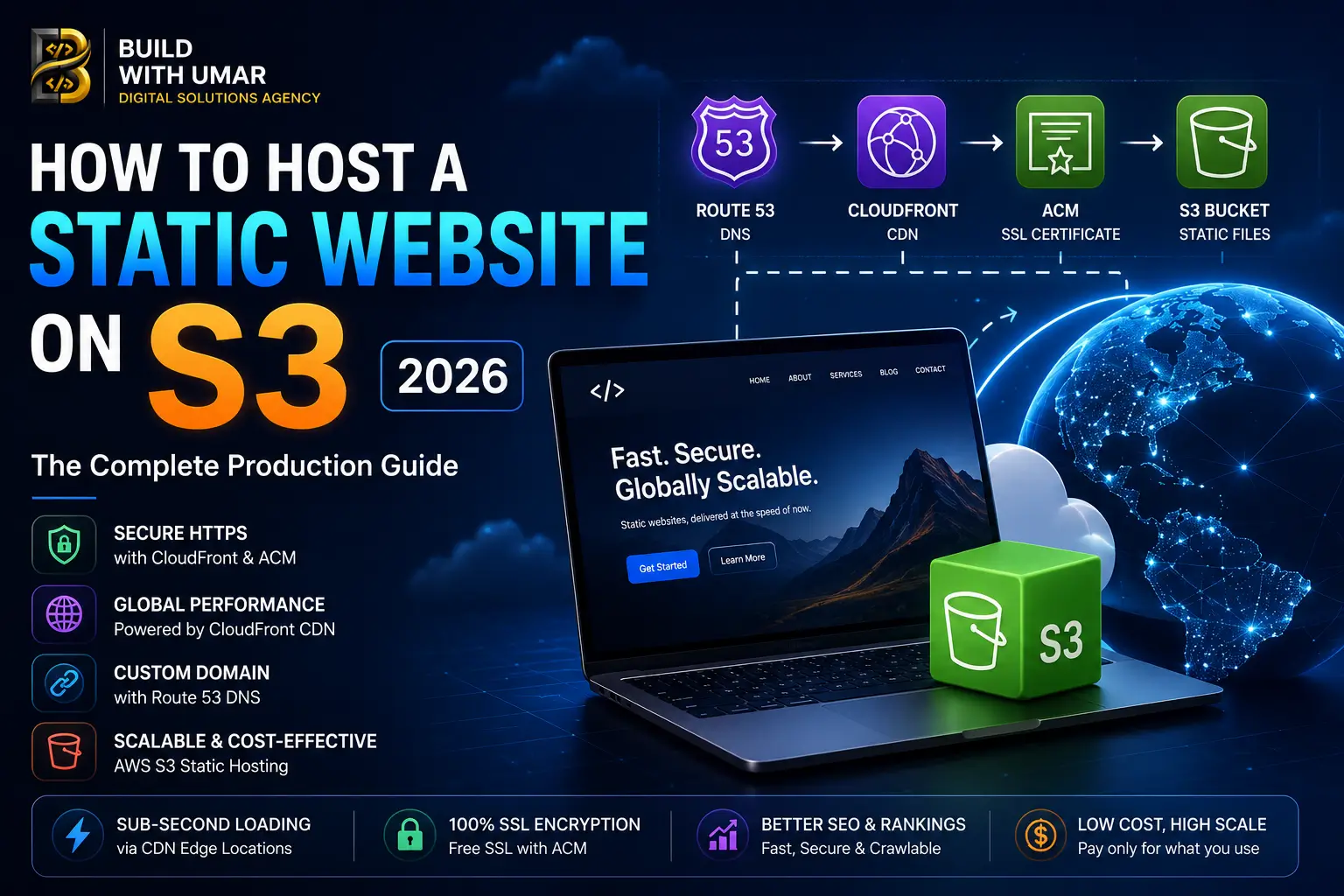
How to Host a Static Website on S3: The Complete Production Guide
AWS S3 static hosting sounds simple on paper. You upload your files, flip a switch, and your website is live.
In practice, most developers hit the same wall: the site is technically "live" but the URL is an ugly S3 endpoint nobody can remember, HTTPS is not configured, your custom domain points nowhere, and the load time from users outside your AWS region is noticeably slow.
This guide fixes all of that. It covers the full production setup S3 bucket configuration, CloudFront distribution for global performance, custom domain with Route 53, HTTPS with ACM, and the DNS records that tie everything together. Not a tutorial you follow once and forget. A reference you will come back to every time you deploy a static site properly.
If you are also evaluating whether S3 is even the right hosting choice for your specific project static site, Next.js export, or full framework deployment that question gets answered here too.
What "Static Website" Actually Means in 2026
Before getting into S3 configuration, it is worth being precise about what we mean by static.
A static website is one where all files HTML, CSS, JavaScript, images are pre-generated and served directly to the browser without any server-side processing at request time. There is no PHP, no Node.js runtime, no database query on page load. The server's job is simply to return a file.
This includes:
- Pure HTML/CSS sites built manually or with a static site generator like Eleventy or Hugo
- React apps built with Vite or CRA where the output is a
dist/folder of static files - Next.js exports generated with
next exportoroutput: 'export'innext.config.tsthough this disables Server Components, SSR, and ISR, which matters significantly for performance and SEO
The last point is important. If you are building on Next.js and considering S3 static export specifically to avoid server costs, you should read our Next.js performance architecture guide first. Exporting Next.js as static files removes the framework capabilities that make it worth using and for most business sites, Vercel's free tier or a simple VPS is a better cost-to-performance trade-off than an S3 static export.
That said for genuinely static content, documentation sites, marketing pages with no dynamic requirements, and React SPAs that do not need SSR S3 plus CloudFront is an excellent, scalable, cost-effective solution.
The Architecture You Are Building
Before touching the AWS console, understand what you are building and why each component exists.
User Request
    ↓
Route 53 (DNS routes yourdomain.com to CloudFront)
    ↓
CloudFront (CDN serves from edge location near user, handles HTTPS)
    ↓
S3 Bucket (Origin stores your static files)
Why not just use S3 directly?
S3 static website hosting does work on its own but it has three production-critical problems:
- No HTTPS on custom domains. S3 static hosting supports HTTP only for custom domains. CloudFront is required for HTTPS.
- No global performance. S3 serves from a single region. A user in Dubai accessing a bucket in
us-east-1experiences the full transatlantic latency on every uncached request. CloudFront caches at 400+ edge locations globally. - No proper redirect support. SPA routing where
/about,/contact, and every other path should serveindex.htmlrequires CloudFront error page configuration that S3 alone cannot handle cleanly.
The full stack S3 + CloudFront + Route 53 + ACM is what production static hosting on AWS actually looks like.
Step 1: Create and Configure Your S3 Bucket
Create the Bucket
- Open the S3 console and click Create bucket
- Name it to match your domain exactly
yourdomain.com - Select the AWS region closest to your primary user base
- Uncheck "Block all public access" you need public read access for static hosting
- Acknowledge the warning and create the bucket
Enable Static Website Hosting
- Open your bucket → Properties tab
- Scroll to Static website hosting → Edit
- Enable it
- Set Index document:
index.html - Set Error document:
index.html(for SPA routing this serves your app for all paths) - Save
Add a Bucket Policy for Public Read Access
Go to Permissions → Bucket policy and add:
{
  "Version": "2012-10-17",
  "Statement": [
    {
      "Sid": "PublicReadGetObject",
      "Effect": "Allow",
      "Principal": "*",
      "Action": "s3:GetObject",
      "Resource": "arn:aws:s3:::yourdomain.com/*"
    }
  ]
}
Replace yourdomain.com with your actual bucket name.
Upload Your Static Files
Upload the contents of your build output folder dist/, out/, or build/ depending on your framework to the bucket root. Make sure index.html is at the top level, not inside a subfolder.
Your S3 static website endpoint will look like:
http://yourdomain.com.s3-website-us-east-1.amazonaws.com
This works but it is HTTP only and tied to a single region. The next steps fix both.
Step 2: Request an SSL Certificate in ACM
AWS Certificate Manager (ACM) provides free SSL certificates that integrate directly with CloudFront.
Critical requirement: The certificate must be created in us-east-1 (N. Virginia) regardless of where your S3 bucket or users are. CloudFront only reads ACM certificates from this region.
- Open ACM in the AWS console make sure the region selector shows US East (N. Virginia)
- Click Request a certificate → Request a public certificate
- Add your domain names:
yourdomain.comwww.yourdomain.com
- Select DNS validation (recommended faster than email validation)
- Click Request
ACM will give you CNAME records to add to your DNS. If you are using Route 53, there is a button to add them automatically. If you are using another DNS provider Cloudflare, GoDaddy, Namecheap copy the CNAME name and value and add them manually.
Validation typically takes 5 to 30 minutes once the DNS records propagate.
Step 3: Create a CloudFront Distribution
This is the component that adds global performance, HTTPS, and proper SPA routing to your S3 hosted site.
-
Open CloudFront → Create distribution
-
Origin domain: Click the field and select your S3 bucket's static website endpoint it ends in
.s3-website-[region].amazonaws.com. Do not select the S3 bucket directly from the dropdown you need the website endpoint specifically for proper index document handling. -
Origin protocol: HTTP only (S3 static website endpoints are HTTP CloudFront handles the HTTPS termination)
-
Viewer protocol policy: Redirect HTTP to HTTPS
-
Cache policy: Use
CachingOptimizedfor most static sites. If you are deploying frequently and need cache invalidation on deploy, considerCachingDisabledduring development and switch to optimized for production. -
Compress objects automatically: Yes
-
Alternate domain names (CNAMEs): Add
yourdomain.comandwww.yourdomain.com -
Custom SSL certificate: Select the ACM certificate you created in Step 2
-
Default root object:
index.html -
Click Create distribution
Distribution deployment takes 5 to 15 minutes. Once deployed, you will have a CloudFront URL like d1abc2xyz.cloudfront.net your site will be accessible here via HTTPS before DNS is pointed.
Configure SPA Error Handling
If you are hosting a React SPA or any application where client-side routing handles paths like /about and /dashboard, you need to tell CloudFront to serve index.html for all paths rather than returning a 403 from S3.
- Open your distribution → Error pages tab
- Create custom error response:
- HTTP error code:
403 - Response page path:
/index.html - HTTP response code:
200
- HTTP error code:
- Repeat for error code
404
This ensures that direct navigation to any route in your SPA returns your app rather than an S3 access denied error.
Step 4: Configure DNS Pointing Your Domain to CloudFront
This is where most non-developers struggle. DNS configuration varies depending on where your domain is registered and managed.
If You Are Using Route 53
- Open Route 53 → Hosted zones → your domain
- Create record:
- Record type: A
- Record name: leave blank (for root domain
yourdomain.com) - Route traffic to: Alias to CloudFront distribution
- Select your CloudFront distribution from the dropdown
- Repeat for
wwwcreate another A record with namewwwpointing to the same CloudFront distribution
Route 53 Alias records for CloudFront are free they do not count as standard DNS queries.
If You Are Using Cloudflare
- Open your Cloudflare dashboard → DNS
- Add record:
- Type:
CNAME - Name:
@(root domain) - Target: your CloudFront URL (
d1abc2xyz.cloudfront.net) - Proxy status: DNS only (grey cloud, not orange) Cloudflare proxy conflicts with CloudFront SSL
- Type:
- Add another CNAME for
wwwpointing to the same CloudFront URL
Important: If you use Cloudflare's proxy (orange cloud) in front of CloudFront, you will get SSL certificate errors because both Cloudflare and CloudFront are trying to terminate HTTPS. Use DNS-only mode when CloudFront is your CDN.
If You Are Using Another Registrar (GoDaddy, Namecheap, etc.)
Most registrars do not support CNAME records at the root domain (the @ record). Your options:
- ANAME or ALIAS record some registrars support this as a workaround for root domain CNAMEs
- Transfer to Route 53 simplest long-term solution if you are running infrastructure on AWS
- Use
wwwas the canonical domain add a CNAME forwwwto CloudFront and redirect the root with your registrar's URL forwarding
DNS propagation takes anywhere from a few minutes to 48 hours depending on your previous TTL settings and your ISP's resolver caching behaviour.
Step 5: Automate Deployments
Manually uploading files to S3 every time you deploy is not a production workflow. Here is the minimal automation that makes this manageable.
AWS CLI One-Liner
aws s3 sync ./dist s3://yourdomain.com --delete
aws cloudfront create-invalidation --distribution-id YOUR_DIST_ID --paths "/*"
The --delete flag removes files from S3 that no longer exist in your build output. The CloudFront invalidation clears the CDN cache so users see the updated content immediately rather than waiting for cache expiry.
GitHub Actions (Recommended)
Add this to .github/workflows/deploy.yml:
name: Deploy to S3

on:
  push:
    branches: [main]

jobs:
  deploy:
    runs-on: ubuntu-latest
    steps:
      - uses: actions/checkout@v4

      - name: Install dependencies
        run: npm ci

      - name: Build
        run: npm run build

      - name: Deploy to S3
        env:
          AWS_ACCESS_KEY_ID: ${{ secrets.AWS_ACCESS_KEY_ID }}
          AWS_SECRET_ACCESS_KEY: ${{ secrets.AWS_SECRET_ACCESS_KEY }}
          AWS_DEFAULT_REGION: us-east-1
        run: |
          aws s3 sync ./dist s3://yourdomain.com --delete
          aws cloudfront create-invalidation \
            --distribution-id ${{ secrets.CLOUDFRONT_DISTRIBUTION_ID }} \
            --paths "/*"
Store your AWS credentials and CloudFront distribution ID as GitHub repository secrets never hardcode credentials in your workflow files.
Step 6: Verify Everything Is Working
Once DNS has propagated, run through this checklist:
-
https://yourdomain.comloads your site with a valid SSL certificate -
http://yourdomain.comredirects to HTTPS automatically -
https://www.yourdomain.comloads correctly - Direct navigation to a non-root path (e.g.
https://yourdomain.com/about) returns your app, not a 403 error - Browser DevTools → Network tab shows responses served from CloudFront (check the
x-cacheheader it should showHit from cloudfronton repeated requests) - PageSpeed Insights shows a fast TTFB under 200ms globally is achievable with CloudFront
Common Mistakes and How to Fix Them
Site loads on CloudFront URL but not custom domain:
DNS has not propagated yet, or your DNS records are pointing to the wrong target. Verify using dig yourdomain.com or a tool like dnschecker.org to confirm the A or CNAME record resolves to CloudFront.
SSL certificate not working or showing as invalid:
The ACM certificate was created in the wrong region. CloudFront requires certificates in us-east-1. Delete and recreate the certificate in N. Virginia.
SPA routes return 403 or 404 from S3: The CloudFront custom error response for 403 and 404 is not configured. Add the error pages as described in Step 3.
Changes not showing after deployment:
CloudFront is serving cached content. Run a cache invalidation: aws cloudfront create-invalidation --distribution-id YOUR_ID --paths "/*".
www works but root domain does not (or vice versa):
You are missing one of the DNS records. Check both the root (@) and www records exist and both point to the same CloudFront distribution.
S3 Static Hosting vs Modern Deployment Platforms
S3 plus CloudFront is a legitimate production setup but it is worth knowing where it fits against the alternatives.
| Hosting Option | Best For | HTTPS | CDN | CI/CD | Cost |
|---|---|---|---|---|---|
| S3 + CloudFront | Static files, SPAs, high control | ✅ ACM | ✅ CloudFront | Manual / GitHub Actions | Very low |
| Vercel | Next.js, React, full-stack | ✅ Auto | ✅ Global edge | ✅ Git integration | Free tier generous |
| Netlify | Static sites, Jamstack | ✅ Auto | ✅ Global | ✅ Git integration | Free tier generous |
| Cloudflare Pages | Static, Workers integration | ✅ Auto | ✅ Best-in-class | ✅ Git integration | Free |
For Next.js specifically if you are using Server Components, ISR, or any server-side features S3 static export is not an option. You need a platform that runs the Node.js runtime. Vercel is the natural choice given Next.js is built by the same team. We cover this architecture decision in detail in our React vs Next.js guide.
For pure static sites, React SPAs without SSR, and documentation sites S3 plus CloudFront gives you full infrastructure control at near-zero cost.
What This Means for Your Site's SEO
Static hosting on S3 plus CloudFront, done correctly, produces excellent Core Web Vitals performance. TTFB from CloudFront edge locations globally is typically under 100 milliseconds. Files are served with optimal cache headers. There is no server processing delay.
Where S3 static hosting creates SEO limitations:
- No server-side metadata generation. Every page's title tag and meta description must be hardcoded at build time. Dynamic metadata different OG images per blog post, per-product structured data requires either a build step that generates it or moving to a server-rendered architecture.
- No ISR. Content updates require a full rebuild and deployment. For sites publishing content frequently, this becomes a workflow friction.
- Crawl efficiency. Without a server-rendered sitemap endpoint, your sitemap must be a static file included in the build output and kept updated manually or through build tooling.
For businesses where organic search is a primary acquisition channel, these limitations matter. Our Next.js SEO checklist covers the full technical SEO requirements for modern web applications it is worth reviewing before deciding between static export and a server-rendered architecture.
Need Your Infrastructure Set Up Properly?
DNS configuration, SSL certificates, CloudFront distributions, deployment pipelines, and hosting architecture are the kind of work that looks simple until something breaks at 2am before a product launch.
At Build With Umar, we handle the full infrastructure stack for web projects from S3 and CloudFront configuration through to custom domain setup, CI/CD pipelines, and performance-optimised Next.js deployments on Vercel and AWS.
If you have an existing site with hosting or DNS issues, or if you are starting a new project and want the infrastructure done correctly from day one, start a conversation with us.
We also offer a web development service that covers the full stack architecture, development, deployment, and ongoing technical support.
Frequently Asked Questions
How much does it cost to host a static website on S3? For most small to medium sites, S3 plus CloudFront costs under $5 per month. S3 storage costs approximately $0.023 per GB. CloudFront charges $0.0085 per GB of data transferred to internet users and $0.0075 per 10,000 HTTPS requests. A site serving 10GB of traffic per month typically costs $1 to $3. AWS also offers a free tier 5GB of S3 storage and 15GB of CloudFront data transfer per month for the first 12 months.
Can I host a Next.js website on S3?
Partially. You can export a Next.js application as static files using output: 'export' in your Next.js config and host those files on S3. However, this disables Server Components, Server-Side Rendering, Incremental Static Regeneration, and API routes. For most business Next.js applications, these are features you want to keep which means Vercel, a VPS, or another Node.js runtime environment is a better hosting choice than S3.
How do I point my custom domain to an S3 static website? You cannot use a CNAME record to point a root domain directly to S3 on most DNS providers only subdomain CNAMEs work. The correct production approach is to put CloudFront in front of S3 and point your domain to the CloudFront distribution. This also adds HTTPS, global CDN performance, and proper SPA routing support that S3 alone does not provide.
How long does DNS propagation take after updating records? DNS propagation typically takes between 5 minutes and 48 hours. The actual time depends on the TTL value of your previous DNS records a TTL of 3600 (one hour) means resolvers can cache the old record for up to an hour before checking for updates. For DNS changes where speed matters, lower your TTL to 300 (five minutes) at least 24 hours before making the change. Tools like dnschecker.org let you see propagation status across multiple resolvers globally in real time.
What is the difference between S3 website hosting and S3 object storage?
S3 object storage is the default mode files are stored privately and accessed programmatically via authenticated requests. S3 static website hosting is a specific configuration that makes the bucket serve files publicly over HTTP with index document support. The static website endpoint (bucket.s3-website-region.amazonaws.com) behaves like a web server. The standard S3 endpoint (bucket.s3.amazonaws.com) does not support index documents or error page routing.
How do I handle HTTPS on a custom domain with S3? S3 static website hosting does not support HTTPS for custom domains it only provides an HTTP endpoint. To serve your site over HTTPS on your own domain, you need CloudFront with an ACM certificate. CloudFront terminates HTTPS at the edge and communicates with S3 over HTTP internally. This is the standard production configuration for S3-hosted static sites.
Do I need Route 53 to use S3 and CloudFront?
No. Route 53 is AWS's DNS service and makes configuration straightforward because it integrates directly with other AWS services but it is not required. You can use any DNS provider (Cloudflare, Namecheap, GoDaddy) with CloudFront by adding a CNAME record pointing to your CloudFront distribution URL. The exception is root domain (yourdomain.com without www) CNAME records are not valid at the root level in standard DNS, so Route 53's Alias records or a provider that supports ALIAS/ANAME records is required for root domain configuration.
What happens to my site if AWS S3 has an outage? CloudFront caches your content at edge locations globally, so a regional S3 outage typically does not immediately affect users who are hitting cached content. However, if your CloudFront cache TTLs are short or if users are requesting uncached content during an S3 outage, requests to the origin will fail. For high-availability requirements, consider multi-region S3 replication with CloudFront origin failover AWS provides origin group configuration in CloudFront specifically for this scenario.
Continue Reading
Next.js Performance Architecture: Why Structure Beats Plugins
If you are evaluating Next.js for your project, this covers the full architectural picture rendering strategies, caching, streaming, and why performance has to be built in, not bolted on.
The Complete Next.js SEO Checklist for 2026
25 technical SEO checks for modern web applications covering metadata, Core Web Vitals, structured data, sitemaps, and rendering decisions that affect how Google indexes your site.
React vs Next.js in 2026: Which One Does Your Project Actually Need?
The architectural comparison between React SPA and Next.js covering rendering models, SEO implications, infrastructure requirements, and when each approach is the right choice.
Why Your Website Is Losing Customers in 2026
How hosting decisions, slow load times, and poor Core Web Vitals translate directly into lost leads and declining organic traffic with the commercial cost broken down clearly.
Build With Umar handles web development, deployment infrastructure, and technical SEO for businesses across the UK and UAE. View our services · See our work · Get in touch